
Business Tips
Omago Editorial
.
January 30, 2026
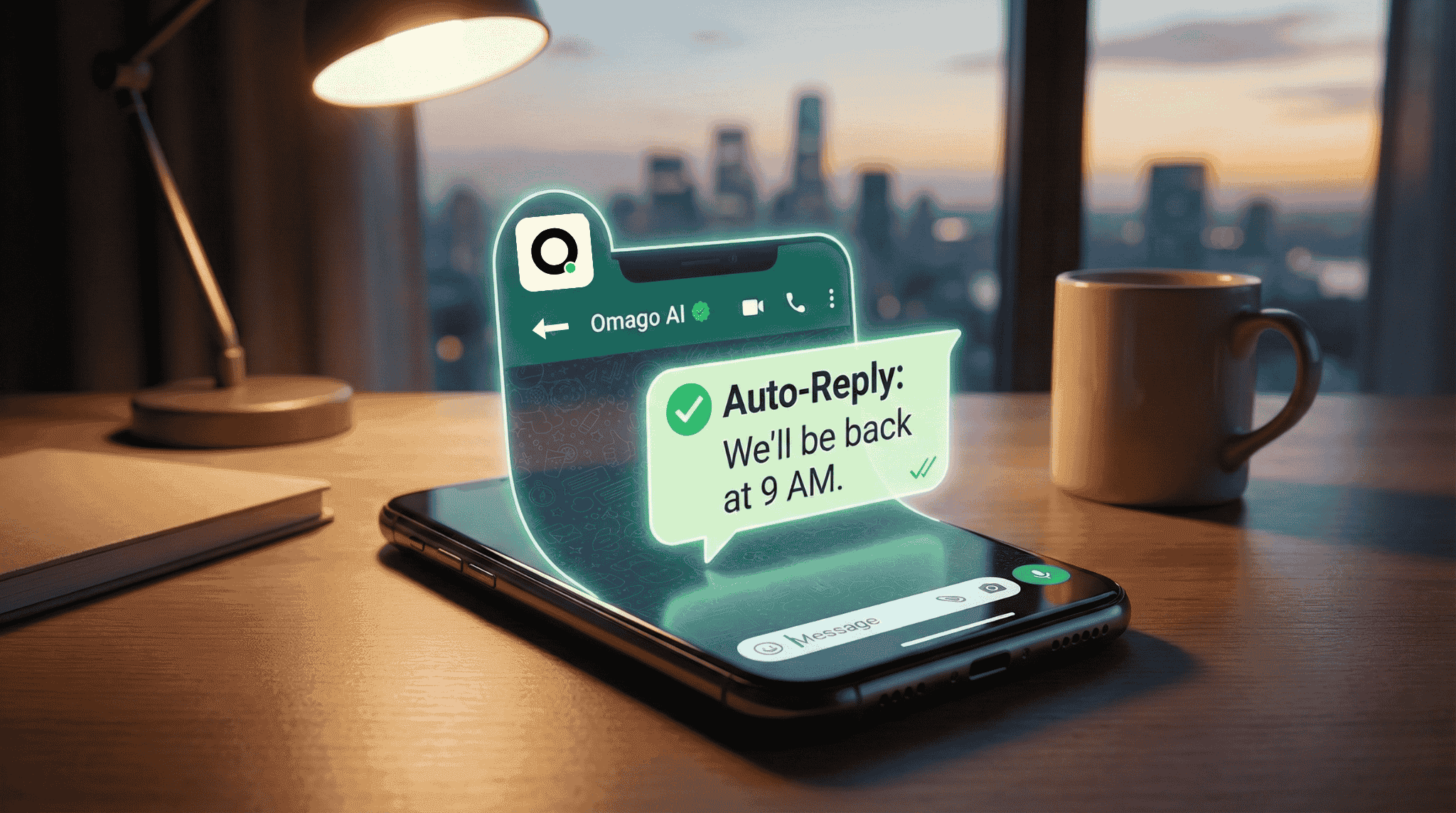
Every small business owner knows the feeling. You close up for the night, check your phone an hour later, and there are already three unanswered WhatsApp messages from potential customers. By morning, those leads have gone cold.
WhatsApp auto-reply for small business solves this — but the options range from basic away messages to full AI-powered assistants. This guide breaks down what actually works, what each level costs you, and how to choose the right setup without the jargon.
Why Does WhatsApp Auto-Reply Matter for Small Businesses?
WhatsApp is the world's most popular messaging platform, with over 3 billion monthly active users worldwide (Statista, 2025). For small businesses, it has become a primary sales channel: according to Meta, 175 million customers message a business on WhatsApp every day.
The problem is timing. Research from HubSpot shows that 65% of consumers expect a response within 5 minutes when contacting a business via messaging. After 15 minutes, satisfaction drops sharply — and so does your chance of closing the sale.
WhatsApp auto-reply ensures no customer message goes unanswered, even when your shop is closed, your team is busy, or it is 2 AM on a Sunday.
What Is WhatsApp Auto-Reply and How Does It Work?
At its simplest, WhatsApp auto-reply sends a pre-written message when someone contacts your business. It tells the customer you received their message and sets expectations for when they will hear back.
But there is a wide spectrum of automation available, from free built-in tools to AI-powered assistants that can actually answer customer questions. The right choice depends on your message volume, the variety of questions you receive, and how much revenue you are losing to unanswered enquiries.
What Are the Three Levels of WhatsApp Automation?
Not all WhatsApp auto-reply tools are equal. Here is how the three main levels compare:
Feature | Level 1: Away Messages | Level 2: Keyword Replies | Level 3: AI Assistants |
Cost | Free (WhatsApp Business App) | Monthly fee (API + platform) | Monthly fee (API + platform) |
Setup time | 5 minutes | Hours to days | Under 1 day |
Handles varied questions | No — same message for everyone | Limited — keyword triggers only | Yes — understands natural language |
Multilingual | No | Depends on configuration | Yes — most support multiple languages |
Captures leads | No | Basic | Yes — collects details and qualifies |
Human handoff | No | Basic | Yes — flags complex conversations |
Best for | Solo operators acknowledging messages | Businesses with 5–10 common FAQs | Any business with varied after-hours enquiries |
Level 1: Away messages (free)
The WhatsApp Business App includes a built-in away message feature. You set your business hours, write a message like "Thanks for reaching out — we will reply when we open at 9 AM," and turn it on.
This works for solo operators who just need to acknowledge messages. The limitation is that it sends the same generic reply to everyone, regardless of what they asked. A customer asking about pricing gets the same response as someone confirming a booking.
Level 2: Keyword-based auto-replies
With the WhatsApp Business API and a third-party platform, you can set up responses triggered by specific words. If someone types "menu," they get your menu. If they type "hours," they get your schedule.
This works for businesses with a small, predictable set of frequently asked questions. The limitation is that customers rarely type single keywords. They write things like "Hey, do you guys have a table for 4 tonight around 8?" A keyword system does not know what to do with that.
Level 3: AI-powered assistants
An AI assistant reads the customer's actual message, understands the intent, and responds with relevant information from your business knowledge — your FAQ, menu, pricing, policies, and hours.
This works for any business that receives varied customer enquiries outside operating hours. Platforms like Omago, a WhatsApp AI assistant built for SMEs, let you upload your business information and go live the same day. The AI handles routine questions, captures lead details, and hands off complex conversations to your team.
What Should You Look for in a WhatsApp Auto-Reply Solution?
Before choosing a tool, ask these five questions:
1. Does it support multiple languages? If your customers write in more than one language, your auto-reply needs to handle that seamlessly. In multilingual markets, this is non-negotiable.
2. How fast is setup? If it takes weeks to configure, it defeats the purpose. Look for solutions where you can upload your business information and go live within hours, not weeks.
3. What happens when it cannot answer? The handoff process matters. Does it tell the customer a human will follow up? Does it notify you? Or does it just go silent?
4. What does it cost? The WhatsApp Business App is free. API-based solutions typically charge monthly fees plus per-conversation costs from Meta. Make sure the pricing makes sense for your message volume.
5. Does it actually answer questions — or just acknowledge them? There is a big difference between a tool that says "We will get back to you" and one that says "Yes, we have a table for 4 at 8 PM tonight — would you like to book?" The second one captures the lead. The first one hopes the customer waits.
What Are the Most Common WhatsApp Auto-Reply Mistakes?
Writing robotic replies. Your customers chose WhatsApp because it feels personal. According to Zendesk, 65% of consumers feel more confident messaging businesses than sending email. A reply that reads like a corporate email template undermines that trust. Write the way you would actually speak to a customer.
Trying to automate everything at once. Start with the 5–10 questions you get asked most. Cover those well. You can always expand later.
Forgetting to update information. If your hours change for a holiday, your auto-reply needs to reflect that. Outdated information erodes trust faster than no reply at all.
Ignoring conversations after the auto-reply. Auto-reply buys you time. It does not replace you. Check your messages regularly and follow up where needed.
How Should a Small Business Get Started with WhatsApp Auto-Reply?
If you are just beginning, start with the free WhatsApp Business App and set up an away message. Track what questions come in most frequently over two weeks.
Once you see patterns — the same five questions every night — that is when automation starts paying for itself. An AI assistant can handle those repeated enquiries while you focus on the conversations that actually need your attention.
The goal is not to remove yourself from customer communication. It is to make sure no customer message goes unanswered just because your shop is closed.
Frequently Asked Questions
Is WhatsApp auto-reply free for small businesses?
The basic away message feature in the WhatsApp Business App is free. More advanced automation — keyword replies and AI-powered assistants — requires the WhatsApp Business API, which involves per-conversation fees from Meta plus the cost of a third-party platform. Most SME-focused platforms charge between $30–$300 USD per month depending on features and message volume.
Can WhatsApp auto-reply handle multiple languages?
Basic away messages support only one language at a time. AI-powered assistants, however, can detect the customer's language and respond accordingly. This is critical for businesses in multilingual markets where customers may write in different languages within the same day.
Will customers know they are talking to an automated system?
Best practice is transparency. Most platforms let you set an introductory message that identifies the assistant as automated while assuring customers a human can step in. According to an Intercom study, 61% of customers prefer faster AI responses over waiting for a human — so transparency does not hurt conversion when the response is actually helpful.
How many messages can WhatsApp auto-reply handle per day?
The free WhatsApp Business App has no strict message limit but is designed for low volume. The WhatsApp Business API can handle thousands of conversations simultaneously, making it suitable for businesses of any size. Over 50 million businesses worldwide now use WhatsApp for customer communication (Meta, 2025).
What is the difference between WhatsApp Business App and WhatsApp Business API?
The WhatsApp Business App is a free mobile application for small businesses, limited to one phone and one computer. The WhatsApp Business API is designed for businesses that need multi-user access, automation, and integration with other tools. The API requires a third-party platform provider and involves per-conversation messaging costs from Meta.
Sources
Statista — WhatsApp has over 3 billion monthly active users worldwide (2025)
Meta — 175 million customers message a business on WhatsApp daily; 50+ million businesses use WhatsApp
HubSpot — 65% of consumers expect a response within 5 minutes via messaging (2025)
Zendesk — 65% of consumers feel more confident messaging businesses than emailing
Intercom — 61% of customers prefer faster AI responses over waiting for a human agent (2024)
Harvard Business Review — Companies responding within 1 hour are 7x more likely to qualify a lead
Related Articles
Business Tips
.
February 1, 2026
What Can AI Customer Service Actually Do for a Small Business?
What Can AI Customer Service Actually Do for a Small Business?
Omago Editorial
Business Tips
.
February 1, 2026
How to Handle After-Hours Customer Messages Without Hiring
How to Handle After-Hours Customer Messages Without Hiring
Omago Editorial
Contact Us
Ready to keep the
front door open?
Book a 15-minute demo. No credit card required.
See Omago in action with your own data.