
Business Tips
Omago Editorial
.
January 30, 2026
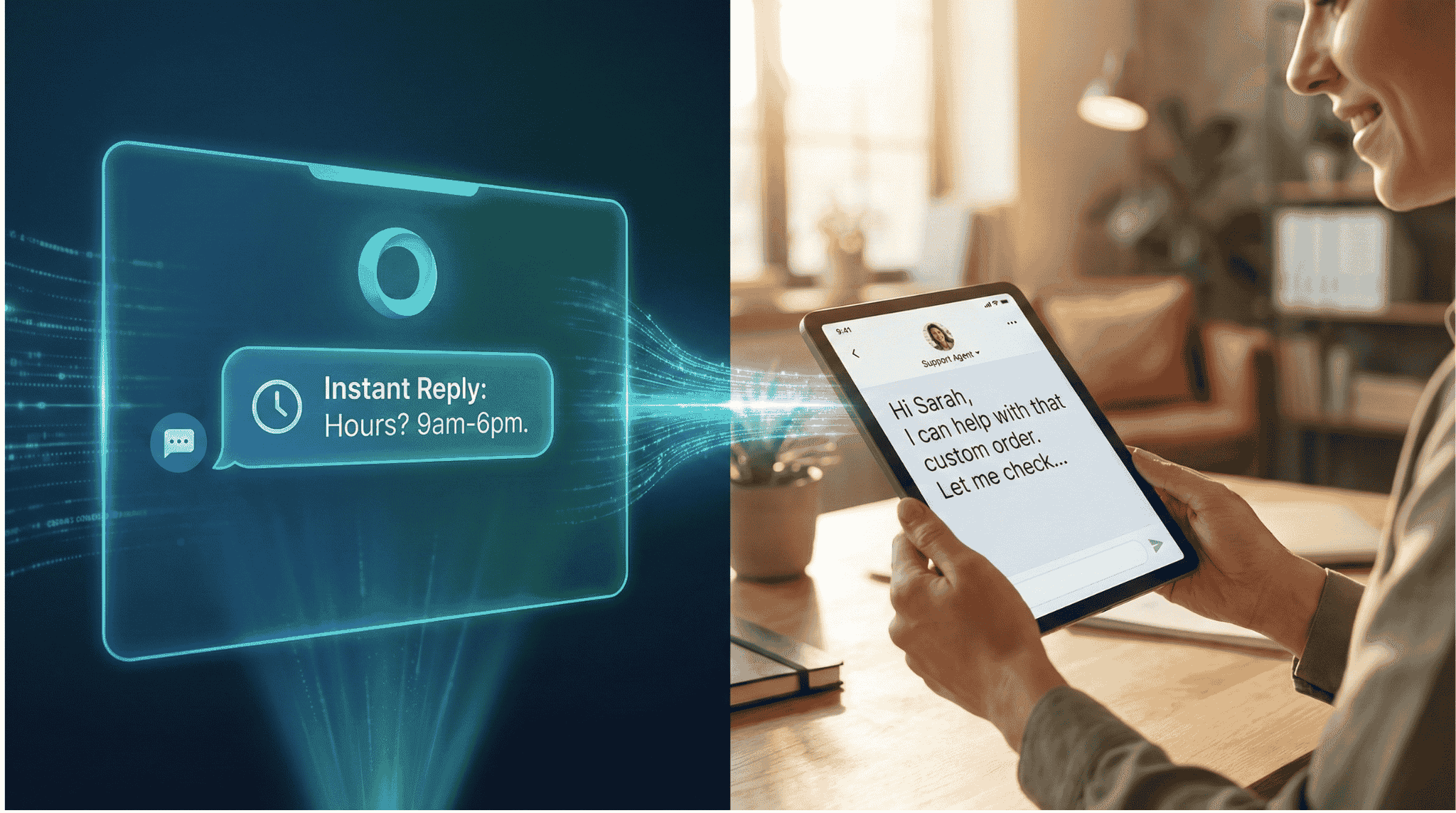
The pitch for AI customer service usually sounds too good: "Replace your entire support team. It handles everything. It never sleeps." That oversells it — and overselling leads to disappointment.
AI customer service for small business is genuinely useful. But the businesses that get real value from it are the ones that understand what it does well, where it falls short, and how to set it up properly.
This guide breaks it down.
What Does AI Customer Service Do for Small Businesses?
At its core, an AI customer service assistant reads incoming messages, matches them against your business information, and generates relevant responses. Think of it as a well-briefed team member who knows your FAQ, pricing, hours, and policies inside out.
Here is what a good AI assistant handles reliably:
Answering frequently asked questions. "What are your opening hours?" "Do you deliver?" "How much does X cost?" According to IBM, AI chatbots can handle up to 80% of routine customer enquiries without human intervention. For most small businesses, that covers the vast majority of incoming messages.
Providing consistent information. A human team member might forget a detail or quote the wrong price on a busy day. AI pulls directly from the information you provide. Every customer gets the same correct answer.
Responding instantly, 24/7. This is the biggest advantage for small businesses. According to HubSpot, 90% of customers now expect an immediate response when they reach out with a service query. Your shop might close at 6 PM, but customer interest does not. An AI assistant ensures every message gets a response — even at 2 AM on a Sunday.
Capturing leads automatically. When a potential customer reaches out and gets an immediate, helpful reply, they are far more likely to convert than if they wait until morning. Research published in the Harvard Business Review found that companies responding within one hour were seven times more likely to qualify a lead than those who waited longer. AI makes sub-minute response times possible without adding staff.
What Are the Limitations of AI Customer Service?
AI customer service is not a full replacement for human support. Knowing its boundaries helps you set realistic expectations and avoid frustrating your customers.
It cannot handle complex complaints. If a customer is upset about a wrong order or wants a refund, AI should not be making that call. According to PwC, 75% of customers still want the option to speak with a human for complex issues. AI can acknowledge the problem and escalate to you, but resolution needs a human.
It does not build personal relationships. Regular customers want to feel recognised. AI does not remember that one customer always orders the same thing or that another prefers a specific delivery time. Those personal touches still require your team.
It is only as good as the information you give it. If you do not upload your current menu, AI cannot answer menu questions. If you change your pricing and forget to update the system, it will give outdated answers.
It does not understand everything. Natural language processing has improved dramatically, but heavy slang, typos, sarcasm, and highly specific requests can still confuse it. A good system recognises when it is stuck and hands the conversation to a human.
How Are Small Businesses Using AI Customer Service Today?
The most effective small business use of AI customer service is not about replacing staff. It is about covering the gaps where enquiries currently go unanswered.
After-hours coverage. A restaurant that closes at 10 PM uses AI to handle reservation enquiries overnight. By morning, the owner has a list of confirmed bookings instead of a pile of unanswered messages. This matters because, according to a Drift study, the odds of qualifying a lead drop by 10 times if your response is delayed beyond 5 minutes.
Peak-hour relief. A retail shop gets flooded with WhatsApp messages during lunch hours when staff are busy with in-store customers. AI handles routine questions so the team can focus on the people in front of them. Platforms like Omago, a WhatsApp AI assistant built for SMEs, make this setup straightforward — you upload your business information and it starts responding to customers on the channels they already use.
Weekend and holiday coverage. Instead of checking messages constantly on days off, business owners let AI handle standard enquiries and only step in for conversations that need personal attention.
What Should You Look for in an AI Customer Service Solution?
Not all AI tools are equal. Before committing to a platform, ask these five questions:
1. Can it learn my specific business information? Generic chatbots that give vague answers are worse than no response. You need a solution that can be trained on your actual FAQ, pricing, and policies.
2. What happens when it cannot answer? The handoff process matters. Does it tell the customer a human will follow up? Does it notify you immediately? Or does it go silent?
3. Does it support multiple languages? If your customers communicate in more than one language, your AI needs to handle that seamlessly.
4. How fast is setup? Some solutions require weeks of configuration and technical integration. Others let you upload your business documents and go live the same day. For most small businesses, simpler is better.
5. What does it cost relative to the problem it solves? IBM research indicates that businesses can reduce customer support costs by up to 30% with AI chatbots. Calculate how many enquiries you miss after hours, estimate the revenue those represent, and compare that to the monthly cost. For most businesses, even recovering 2–3 lost leads per month covers the investment.
How Should a Small Business Get Started with AI Customer Service?
You do not need to automate your entire customer service operation on day one. A phased approach works best.
Start with after-hours coverage. Let AI handle messages that come in when your business is closed. Review the conversations each morning. Adjust the information AI has access to based on what customers are actually asking.
Expand gradually. Once you trust the response quality, add peak-hour coverage or specific enquiry types. The businesses that get the most value from AI treat it like a new team member that needs onboarding — not a magic box that handles everything from day one.
Measure what matters. Track response time, lead capture rate, and customer satisfaction. After 30 days, you will have a clear picture of the return on investment.
AI Customer Service for Small Business: What It Does vs. What It Does Not
AI Handles Well | AI Does Not Handle Well |
FAQ responses (hours, pricing, policies) | Complex complaints and refund decisions |
Instant 24/7 replies | Building personal customer relationships |
Consistent, accurate information | Understanding sarcasm, heavy slang, or typos |
Lead capture and qualification | Tasks requiring judgment or empathy |
Multilingual responses | Situations where no business data has been provided |
Frequently Asked Questions
Is AI customer service worth it for a business with fewer than 10 employees?
Yes. Small teams benefit the most because they have the least capacity to respond outside business hours. An Intercom study found that 61% of customers prefer faster AI responses over waiting for a human agent. Even a 1–2 person operation can recover lost leads and reduce response times significantly with an AI assistant handling after-hours and peak-time messages.
How much can a small business save with AI customer service?
According to McKinsey, organisations that fully leverage automation can reduce customer service costs by 20–40%. For SMEs, the savings come primarily from handling routine enquiries without additional staff and capturing leads that would otherwise go unanswered outside business hours.
Will customers know they are talking to AI?
Transparency is best practice. Most platforms let you set an introductory message that identifies the assistant as AI while assuring customers a human can step in. According to a Zendesk survey, customer satisfaction with AI interactions increased 15% year-over-year as AI quality improved — suggesting customers are increasingly comfortable with the experience when it is done well.
How long does it take to set up AI customer service?
Setup time depends on the platform. Solutions designed for small businesses — like Omago — can be configured in under a day. You upload your business documents, connect your messaging channel, and the AI starts responding based on your information.
What if AI gives a wrong answer to a customer?
Good platforms let you review conversations and correct the AI's knowledge base. The risk of occasional errors is lower than the risk of leaving customer messages unanswered for hours. Start by reviewing AI conversations daily, and refine its information as you go.
Sources
IBM — AI chatbots can handle 80% of routine enquiries; businesses save up to 30% on support costs (IBM Watson Blog)
Harvard Business Review — Companies responding within 1 hour are 7x more likely to qualify a lead (HBR Lead Response Study)
HubSpot — 90% of customers expect an immediate response to service queries (HubSpot, 2024)
PwC — 75% of customers want the option to speak with a human for complex issues (PwC, 2024)
McKinsey — Full automation can reduce customer service costs by 20–40% (McKinsey Digital)
Intercom — 61% of customers prefer faster AI responses over waiting for a human agent (Intercom, 2024)
Zendesk — Customer satisfaction with AI interactions improved 15% year-over-year (Zendesk, 2024)
Drift — Lead qualification drops 10x after a 5-minute response delay (Drift Lead Response Report)
Related Articles
Business Tips
.
February 1, 2026
WhatsApp Auto-Reply for Small Business: What Actually Works in 2025
WhatsApp Auto-Reply for Small Business: What Actually Works in 2025
Omago Editorial
Business Tips
.
February 1, 2026
How to Handle After-Hours Customer Messages Without Hiring
How to Handle After-Hours Customer Messages Without Hiring
Omago Editorial
Contact Us
Ready to keep the
front door open?
Book a 15-minute demo. No credit card required.
See Omago in action with your own data.