
Business Tips
Omago Editorial
.
January 30, 2026
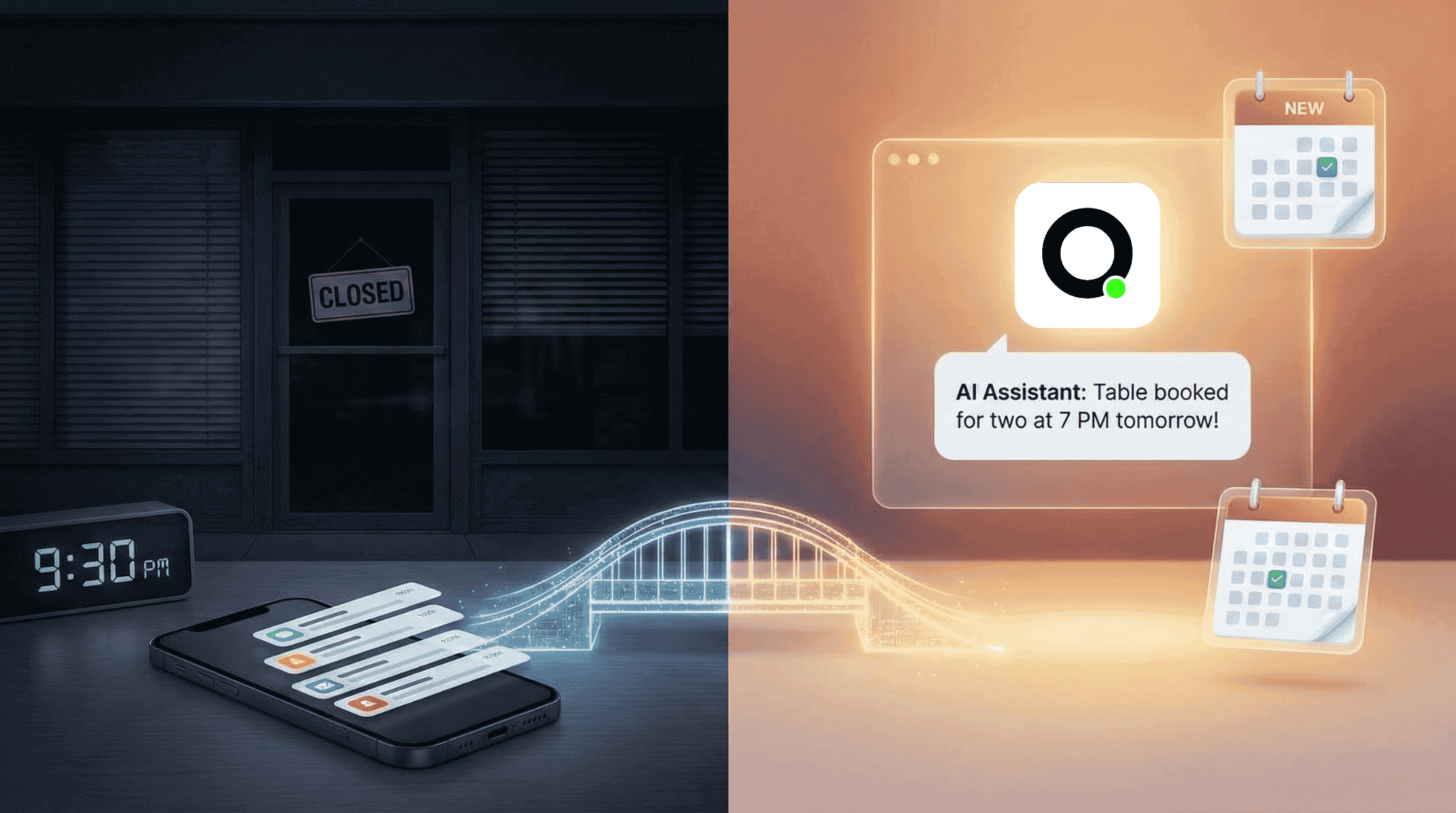
Most small businesses close between 6 and 10 PM. Customer interest does not follow the same schedule. According to Drift, 64% of internet users say 24-hour availability is the most important feature they want from business communication. For small businesses without night staff, this means a meaningful portion of revenue quietly disappears every evening.
Handling after-hours customer messages does not require hiring. It requires the right setup. This guide walks through three practical approaches — from free to fully automated — so you can choose what fits your business today.
Why Do After-Hours Messages Matter for Small Businesses?
The issue is not just inconvenience. It is lost revenue.
When a potential customer messages your business at 9 PM asking about availability, pricing, or booking, they are in a buying mindset. Research published in the Harvard Business Review found that companies responding within one hour are seven times more likely to qualify a lead than those who wait longer. By the time you reply at 9 AM the next day, that window has often closed — they found another option, lost interest, or simply forgot.
According to HubSpot, 90% of customers rate an immediate response as important when they have a service question, with 60% defining "immediate" as 10 minutes or less. For small businesses without evening staff, every unanswered after-hours message is a potential sale walking away.
Why Is Hiring Not Always the Answer?
The obvious solution — hire someone for evening and weekend coverage — comes with obvious costs. A part-time employee adds salary, training, and management overhead.
For larger businesses, this makes sense. For a small restaurant, boutique, or service provider, it often does not. The volume of after-hours messages may not justify a dedicated hire, but the value of those messages is too high to ignore.
This is the gap where automation fits.
What Are the Best Ways to Handle After-Hours Customer Messages?
There are three practical approaches, each suited to a different stage of business. Here is how they compare:
Feature | Away Message | Self-Service FAQ Link | AI Assistant |
Cost | Free | Free (one-time setup) | Monthly fee |
Setup time | 5 minutes | 1–2 hours | Under 1 day |
Answers specific questions | No | Only if customer clicks through | Yes — in real time |
Captures leads | No | No | Yes |
Human handoff | No | No | Yes |
Best for | Acknowledging messages | Businesses with predictable FAQs | Any business losing leads after hours |
1. Set expectations with an away message
The simplest step is setting up an away message on WhatsApp Business or whatever messaging platform you use. Something like: "Thanks for your message — we are currently closed and will reply when we open at 9 AM."
This is free, takes five minutes, and at minimum acknowledges the customer. It does not answer their question, but it tells them their message was received. For solo operators, this is a reasonable starting point.
2. Create a self-service resource
Build a simple FAQ page or document that your away message can link to. Cover the top 10 questions you receive: hours, location, pricing, booking process, delivery options, menu.
According to a Gartner study, organisations that implement self-service options can see up to a 70% reduction in call, chat, and email enquiries. A well-built FAQ handles a surprising portion of after-hours questions without any human involvement.
The limitation is that customers need to click through and find the information themselves. Many will not bother — especially on mobile, where friction kills conversion.
3. Use an AI assistant
An AI assistant combines the availability of an away message with the usefulness of a knowledgeable staff member. It reads the customer's message, understands what they are asking, and provides a specific answer based on your business information.
"Do you have a table for two tonight?" gets an answer about availability, not a generic away message. "What is your lunch set?" gets the actual menu and pricing.
Platforms like Omago, a WhatsApp AI assistant built for SMEs, make this straightforward to set up. You upload your business information — FAQ, menu, pricing, policies — and the AI starts responding to customers on the channels they already use. It handles routine questions, captures lead details, and flags complex conversations for your team to follow up on in the morning.
How Do You Make Automated Responses Feel Human?
The biggest risk with any automated response is making customers feel like they are talking to a machine. Four principles help:
Match your brand voice. If your business communicates casually, your automated responses should too. Consistency builds trust.
Be upfront about what it is. According to a Zendesk survey, customer satisfaction with AI interactions improved 15% year-over-year as AI quality improved. Customers increasingly accept AI assistants — what they dislike is being deceived. A brief "I am an AI assistant — happy to help with your question" is honest and sets appropriate expectations.
Know when to stop. If the AI cannot answer a question, the best response is: "I want to make sure you get the right answer — our team will follow up with you when we open at 9 AM." This is better than a wrong answer or an awkward loop.
Follow up in the morning. Automation handles the first response. You handle the relationship. Check your conversations each morning, follow up on anything the AI flagged, and close the loop with customers who need more.
How Should You Measure the Impact of After-Hours Automation?
Track three things after implementing after-hours coverage:
Response rate. What percentage of after-hours messages now get an immediate response? This should jump to nearly 100%. According to Intercom, offering 24/7 support coverage is the top benefit of AI in customer service, cited by 53% of customer service leaders.
Lead capture. How many after-hours enquiries turn into bookings, orders, or appointments? Compare this to your numbers before automation. Even recovering 2–3 leads per month often covers the cost of the tool.
Customer feedback. Are customers mentioning the quick response? Are there complaints about the automated replies? Adjust based on what you hear.
Most businesses see the impact within the first week. Not because automation is magic, but because the bar is so low — any response is better than silence.
What Is the Bigger Picture?
Handling after-hours customer messages is not really about technology. It is about respecting the fact that your customers' schedules do not match yours. According to a Salesforce study, 77% of customers expect to reach someone immediately when they contact a company — regardless of the hour.
Automation bridges that gap. It does not replace the personal service that makes small businesses special. It ensures that personal service is not limited to the hours you happen to be at your desk.
Frequently Asked Questions
How many customer messages typically come in after business hours?
The exact percentage varies by industry, but studies consistently show that a significant share of online enquiries arrive outside standard 9-to-5 hours — evenings, weekends, and holidays. For restaurants, retail, and service businesses, after-hours enquiries often represent 30–50% of total daily messages, since customers browse and shop after their own workday ends.
Is an away message enough for a small business?
An away message is better than silence, but it does not answer the customer's question or capture their details. If you are losing leads overnight, upgrading to a self-service FAQ link or an AI assistant will recover significantly more revenue. According to IBM, AI chatbots can handle up to 80% of routine enquiries without human intervention.
How much does it cost to automate after-hours customer messages?
Away messages are free. Self-service FAQ pages cost only your time to create. AI-powered assistants for small businesses typically range from $30–$300 USD per month depending on features and message volume. Compare this to the cost of a part-time evening hire or the revenue lost from unanswered messages.
Will customers be annoyed by automated replies?
Not if done well. An Intercom study found that 61% of customers prefer faster AI responses over waiting for a human agent. The key is providing genuinely helpful answers — not just acknowledging the message — and being transparent that the response is automated.
How quickly can a small business set up after-hours automation?
An away message takes five minutes. A self-service FAQ page takes 1–2 hours. AI-powered platforms designed for small businesses — like Omago — can be configured in under a day. You upload your business documents, connect your messaging channel, and the AI starts responding based on your information.
Sources
Harvard Business Review — Companies responding within 1 hour are 7x more likely to qualify a lead
HubSpot — 90% of customers rate an immediate response as important; 60% define "immediate" as 10 minutes or less
Drift — 64% of internet users say 24-hour availability is the top feature of business communication tools
Gartner — Organisations see up to 70% reduction in enquiries after implementing self-service options
IBM — AI chatbots handle up to 80% of routine enquiries without human intervention
Intercom — 61% of customers prefer faster AI responses over waiting; 53% of CS leaders cite 24/7 coverage as top AI benefit
Zendesk — Customer satisfaction with AI interactions improved 15% year-over-year
Salesforce — 77% of customers expect to reach someone immediately when contacting a company
Related Articles
Business Tips
.
February 1, 2026
What Can AI Customer Service Actually Do for a Small Business?
What Can AI Customer Service Actually Do for a Small Business?
Omago Editorial
Business Tips
.
February 1, 2026
WhatsApp Auto-Reply for Small Business: What Actually Works in 2025
WhatsApp Auto-Reply for Small Business: What Actually Works in 2025
Omago Editorial
Contact Us
Ready to keep the
front door open?
Book a 15-minute demo. No credit card required.
See Omago in action with your own data.