
Business Tips
Omago Editorial
.
January 30, 2026
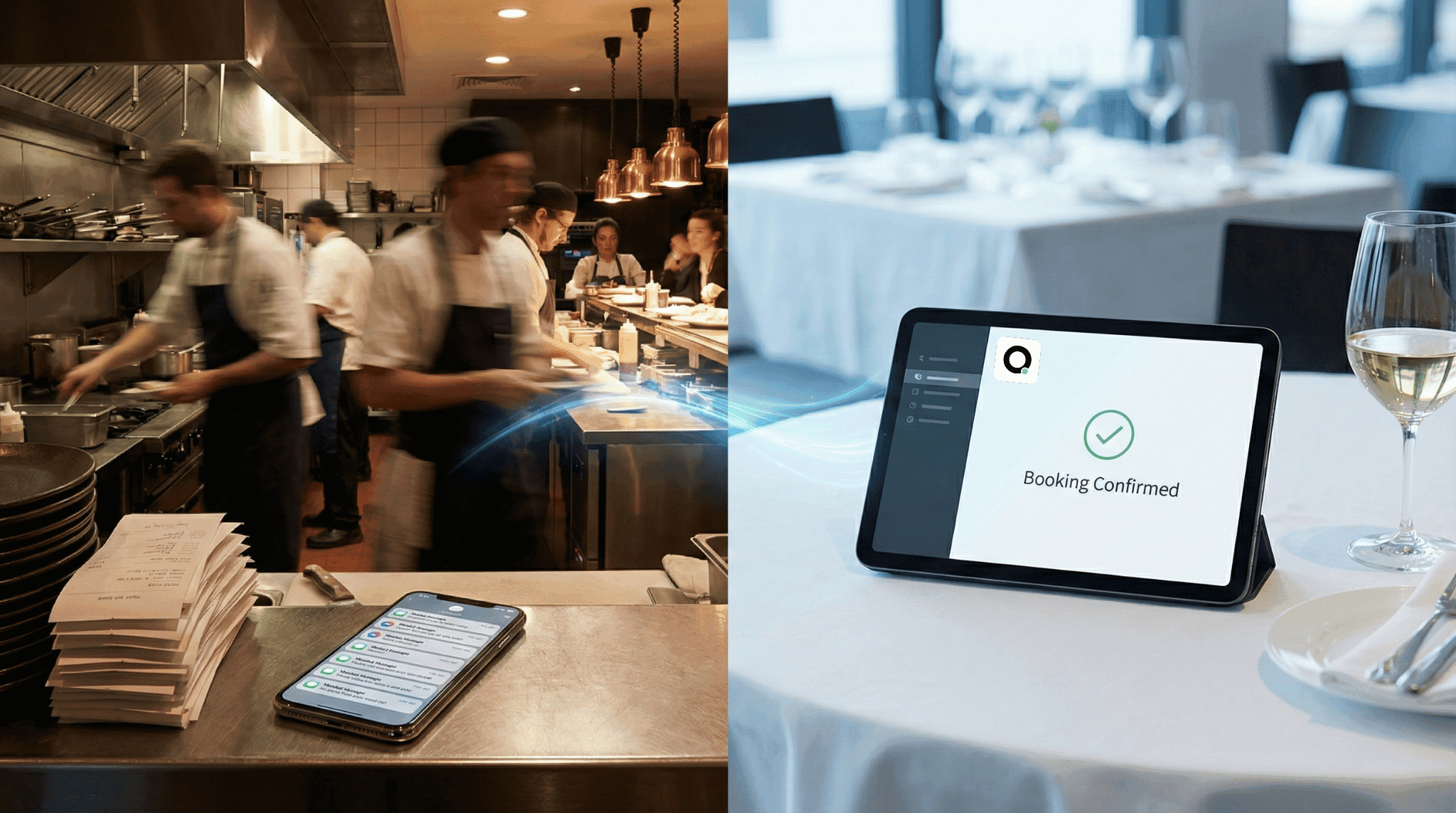
Restaurants are one of the most natural fits for AI customer service. The enquiries are predictable — hours, menu, pricing, reservations, delivery zones. The volume is high. And most messages arrive in the evening, exactly when your kitchen is busiest and no one has time to reply.
Setting up an AI assistant for a restaurant does not require technical skills or weeks of configuration. This step-by-step guide walks you through the entire process, from gathering your information to going live on WhatsApp.
Why Do Restaurants Need an AI Customer Service Assistant?
A busy restaurant might receive 15–30 WhatsApp or social media messages per evening. During service, no one has time to reply. After service, the team is exhausted. By the next morning, half those messages are stale — customers who wanted a table last night, not tonight.
According to a Harvard Business Review study, companies that respond within one hour are seven times more likely to qualify a lead. For restaurants, the maths is simple: an unanswered reservation enquiry at 8 PM is a lost table by 9 PM.
The pattern is consistent across cuisines and price points. Casual dining, fine dining, cafes, and fast-casual restaurants all face the same problem: peak customer interest happens at peak operational load.
According to IBM, AI chatbots can handle up to 80% of routine customer enquiries without human intervention. For restaurants, where the vast majority of messages are about hours, menus, and bookings, that coverage rate is even higher.
What Information Do You Need Before Setting Up?
Before touching any tool, collect the information your customers ask about most. Most restaurant owners have this scattered across their phone, website, and memory. Pulling it together takes 10–15 minutes.
Here is what to gather:
Information | Why It Matters | How Often to Update |
|---|---|---|
Opening hours (including holidays) | Most-asked question for any restaurant | Whenever hours change |
Menu with prices (current version) | Drives purchasing decisions | Weekly if specials rotate; monthly otherwise |
Reservation policy (party sizes, deposits, time slots) | Directly converts enquiries to bookings | Seasonally or when policy changes |
Delivery information (zones, minimums, fees, platforms) | Eliminates back-and-forth | When delivery terms change |
Location and directions (nearest transit, parking) | Reduces friction for new customers | Rarely |
Dietary options (vegetarian, vegan, gluten-free, halal) | Increasingly expected by diners | When menu changes |
Private dining or events (capacity, pricing, lead time) | High-value bookings | Seasonally |
How Do You Set Up an AI Assistant for Your Restaurant Step by Step?
The entire process takes under 10 minutes for most restaurants. Here is how it works:
Step 1: Upload your business information (5 minutes)
With a platform like Omago, a WhatsApp AI assistant built for SMEs, you upload your business information — text documents, photos of your menu, a link to your website. The AI reads it and creates a knowledge base.
You are not programming anything. You are giving the AI the same information you would give a new employee on their first day.
Step 2: Test it like a customer (5 minutes)
Before going live, send test messages as if you were a customer:
"What time do you close tonight?"
"Do you have a set lunch?"
"Can I book a table for 6 this Saturday?"
"Do you deliver to my area?"
"Any vegetarian options?"
Review the responses. If something is inaccurate or unclear, update the information you uploaded. This testing loop usually takes 5–10 minutes.
Step 3: Connect to WhatsApp and go live (2 minutes)
Link the AI assistant to your WhatsApp Business number. Once connected, incoming messages outside your set business hours are handled by the assistant. During business hours, messages go to your team as normal.
What Types of Restaurant Customer Messages Can AI Handle?
Based on typical restaurant usage patterns, after-hours messages fall into clear categories:
Reservation enquiries (~40% of messages). "Table for 2 tonight?" "Can I book a private room?" "Do you take reservations for lunch?" The AI provides your reservation policy, available options, and how to confirm.
Menu and pricing questions (~25%). "What is in the set dinner?" "Do you have a kids menu?" "How much is your tasting menu?" The AI gives direct answers from your uploaded menu.
Logistics (~20%). "Where are you?" "Is there parking nearby?" "Do you deliver to my area?" Factual answers from your business information.
Special requests (~15%). "Can you do a birthday cake?" "Any gluten-free options?" "Can I bring my own wine?" The AI answers if the information exists in your knowledge base. If not, it tells the customer your team will follow up when the restaurant opens.
What Should AI NOT Handle for Restaurants?
AI is not the right tool for every restaurant interaction. Three situations still require a human:
Taking confirmed reservations. The AI can provide reservation information and collect customer details, but it should not be the system of record for bookings. It gathers the request and hands it to you for confirmation.
Resolving complaints. "My delivery was cold last time" needs a human response with empathy and a solution. The AI acknowledges the feedback and flags it for your follow-up.
Complex custom requests. "Can you arrange a multi-course dinner for 30 people with specific dietary requirements for a corporate event?" This needs a real conversation, not an automated response.
What Results Can a Restaurant Expect from AI Customer Service?
The value shows up in two primary areas:
Captured bookings. Messages that previously went unanswered until morning — when the customer had already booked elsewhere — now get an immediate response with booking information. According to a Drift study, the odds of qualifying a lead drop 10 times after just a 5-minute delay. Even converting 2–3 extra tables per week at an average of $80 per table adds over $8,000 per year in recovered revenue.
Reduced staff distraction during service. During peak hours, the front-of-house team is focused on the customers in the room. Knowing that WhatsApp enquiries are being handled removes a constant source of distraction and stress. According to Salesforce, agents spend 75% of their time on repetitive tasks — AI handles exactly those tasks, freeing your team to focus on in-person service.
What Are the Most Important Tips for Restaurant Owners Using AI?
Keep your menu updated. If you change your lunch specials weekly, update the AI weekly. Outdated information erodes trust faster than no information at all.
Set clear business hours in the system. The AI should handle messages when you are closed, not compete with your team during service. Configure it to activate only outside your operating hours.
Review conversations daily. Spend 5 minutes each morning reading through the previous night's conversations. Follow up on anything that needs a personal touch — event bookings, complaints, or unusual requests.
Match your restaurant's personality. If your restaurant is casual and fun, the AI's tone should match. If you run a fine dining establishment, keep it polished. The assistant should feel like an extension of your service style, not a generic bot.
Frequently Asked Questions
How long does it take to set up an AI assistant for a restaurant?
Most restaurants complete the setup in under 10 minutes. The process involves uploading your business information (menu, hours, policies), testing a few messages, and connecting the AI to your WhatsApp Business number. No technical skills are required.
Can AI handle restaurant reservations?
AI can answer reservation questions, provide availability information, and collect customer details (name, party size, preferred time). However, final booking confirmation should remain with your team to avoid double-bookings or errors. The AI captures the lead and hands it to you.
What if a customer asks something the AI does not know?
A well-configured AI assistant recognises when it cannot answer and responds honestly — for example, "I want to make sure you get the right answer. Our team will follow up with you when we open at 11 AM." It then flags the conversation for your team. This is better than a wrong answer or an awkward loop.
How much does an AI assistant cost for a restaurant?
Most SME-focused AI assistant platforms charge between $30–$300 USD per month depending on message volume and features. For a restaurant converting even 2–3 additional tables per month from better after-hours response, the tool typically pays for itself within the first week.
Does AI work in multiple languages for restaurant customers?
Yes. Most AI assistant platforms, including Omago, support multiple languages. This is important for restaurants in tourist areas, diverse cities, or any location where customers may write in different languages within the same evening.
Sources
Harvard Business Review — Companies responding within 1 hour are 7x more likely to qualify a lead
IBM — AI chatbots handle up to 80% of routine enquiries without human intervention
Drift — Lead qualification drops 10x after a 5-minute response delay
Salesforce — Agents spend 75% of their time on repetitive tasks (2024)
Related Articles
Business Tips
.
February 1, 2026
What Can AI Customer Service Actually Do for a Small Business?
What Can AI Customer Service Actually Do for a Small Business?
Omago Editorial
Business Tips
.
February 1, 2026
WhatsApp Auto-Reply for Small Business: What Actually Works in 2025
WhatsApp Auto-Reply for Small Business: What Actually Works in 2025
Omago Editorial
Contact Us
Ready to keep the
front door open?
Book a 15-minute demo. No credit card required.
See Omago in action with your own data.